PDF Compressor - Shrink a PDF, Keep the Text
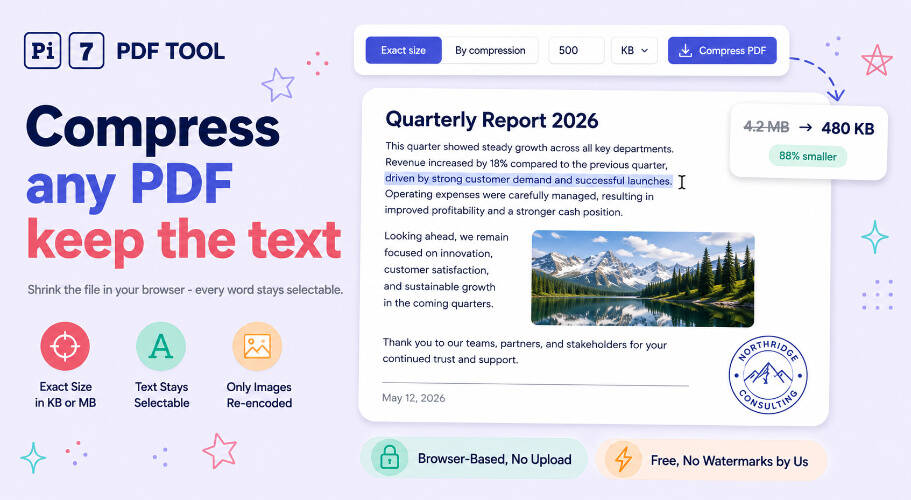
This compressor shrinks a PDF without turning its pages into pictures. Text, fonts and vector graphics are left exactly as they are; only the photographs embedded in the file are re-encoded, and the search for your target size runs over their resolution and quality. The result opens smaller and still lets you select, search and copy every word.
Why Most PDF Compressors Destroy Your Text
The usual trick for hitting an exact file size is to photograph each page and shrink the photograph. It always reaches the number, which is why so many tools do it. The cost is that the page stops being a document and becomes a picture of one.
On a six page report we measured, that meant 1,188 searchable words became zero. You cannot copy a paragraph, search for a name, or run the file through OCR-dependent systems afterwards. For a scanned receipt nobody notices. For a contract, a CV or a bank statement it matters a great deal.
What This Tool Does Instead
In any PDF large enough to be worth compressing, the images are the size. Everything else - the text, the fonts, the page structure - is rounding error by comparison. So the images are the only thing that needs to give.
The compressor finds every photograph inside the file, re-encodes it at a lower resolution and quality, and rebuilds the PDF around the untouched text. It then binary-searches that quality setting until the file lands under the size you asked for. On the same report, a 12.6 MB file came down to 294 KB with all 1,188 words still selectable.
Every PDF Has a Floor
This is the honest limit, and worth understanding before you pick a number. Fonts, the text drawing instructions and the file structure itself cannot be compressed away without destroying the text. Once the images are as small as they can go, that is the floor.
A six page text document with an embedded font floors at about 54 KB. Asking for 200 KB is comfortable. Asking for 20 KB is not possible while the words remain words. When your target is under the floor this tool tells you so and hands you the smallest text-preserving version rather than quietly missing the number.
If you genuinely need a size below the floor, the standard PDF compressor will reach any target - it just converts the pages to images to do it. Use that when the size is a hard requirement and the text is not.
Which One Should You Use?
| This compressor | Compress to an exact KB | |
|---|---|---|
| Text after compressing | Selectable and searchable | Becomes part of the image |
| Reaches any size | Down to the file's floor | Yes, any size |
| Best for | Contracts, CVs, reports, statements | Upload forms with a hard KB cap |
| Runs in your browser | Yes | Yes |
This PDF Compressor Runs Entirely in Your Browser
Reading the file, decoding the images, re-encoding them and writing the new PDF all happen in your browser. Nothing is uploaded, so there is no copy on a server to be deleted later, and closing the tab is all the cleanup there is. You can confirm it by opening your browser's network tab and watching that nothing is sent while a file compresses.
That matters here because the documents people compress are usually the ones they would least like to hand over - passports, payslips, contracts and medical letters, shrunk to fit an upload form.
PDF Compression Questions, Answered
Will the images look worse?
Yes, and that is unavoidable - a smaller file means less image data. The compressor reduces resolution before it reduces quality, because dropping pixels saves far more and looks better than the blocky artefacts heavy JPEG compression produces. At moderate targets most people cannot tell.
Does it work on scanned PDFs?
It does, and they compress well because a scan is almost entirely image data. There is no text layer to preserve in a plain scan, though, so if you want searchable text out of one, run it through the OCR tool first and then compress.
Can it compress a password protected PDF?
Yes. Pick the file and the tool asks for its open password, unlocks it in your browser and compresses the unlocked copy - the password is never sent anywhere. If you would rather strip the password permanently first, the PDF password remover does that and also runs entirely in your browser.